
🧩 From student feedback to student-centered design
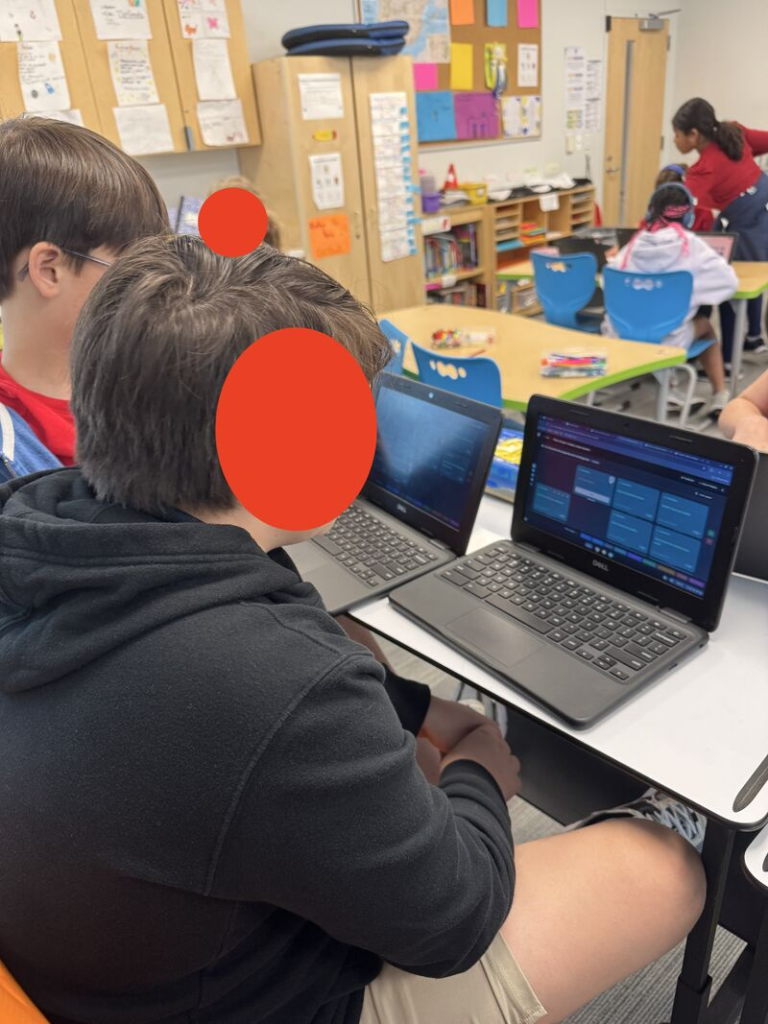
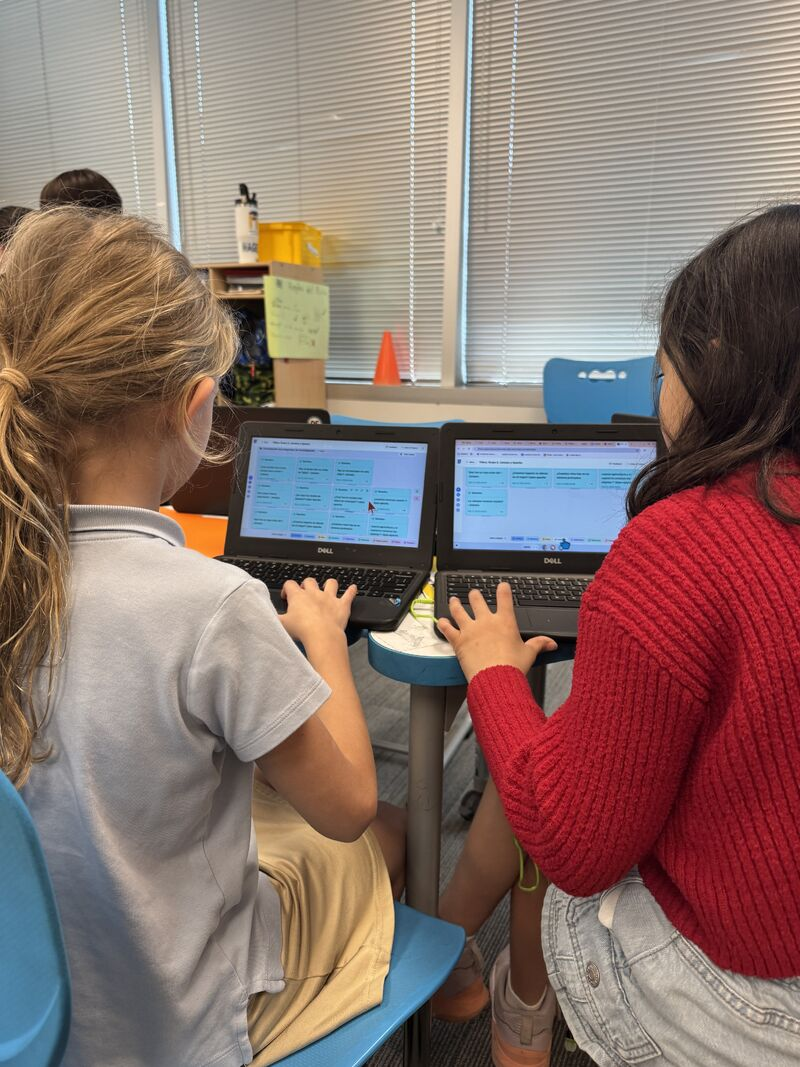
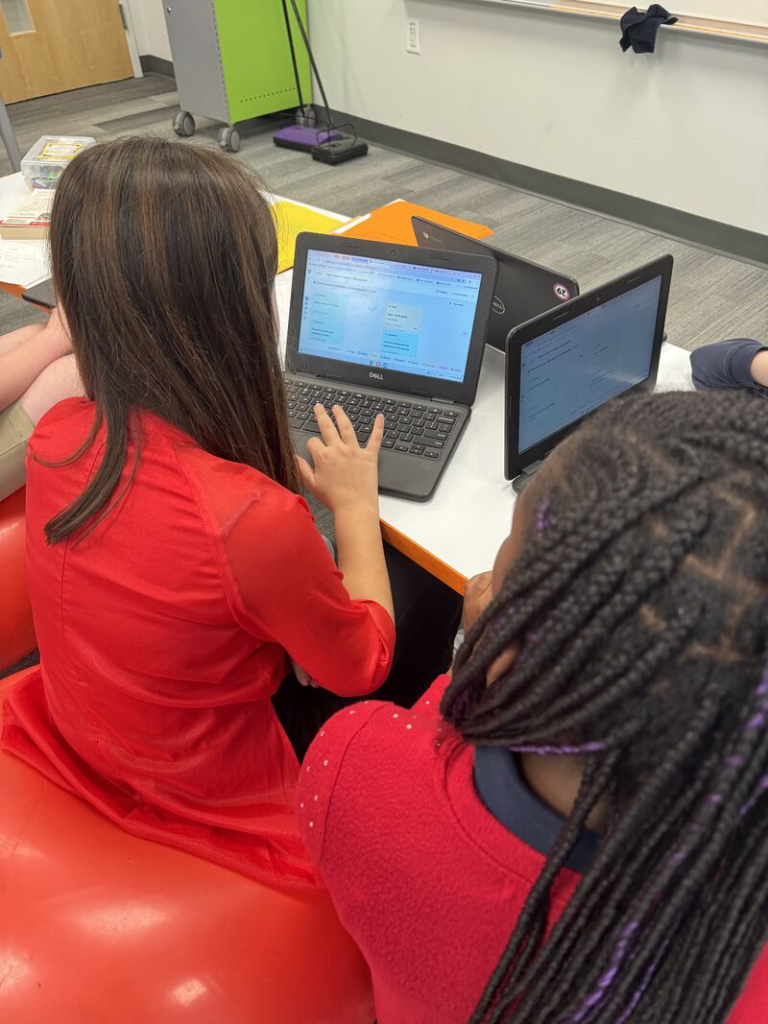
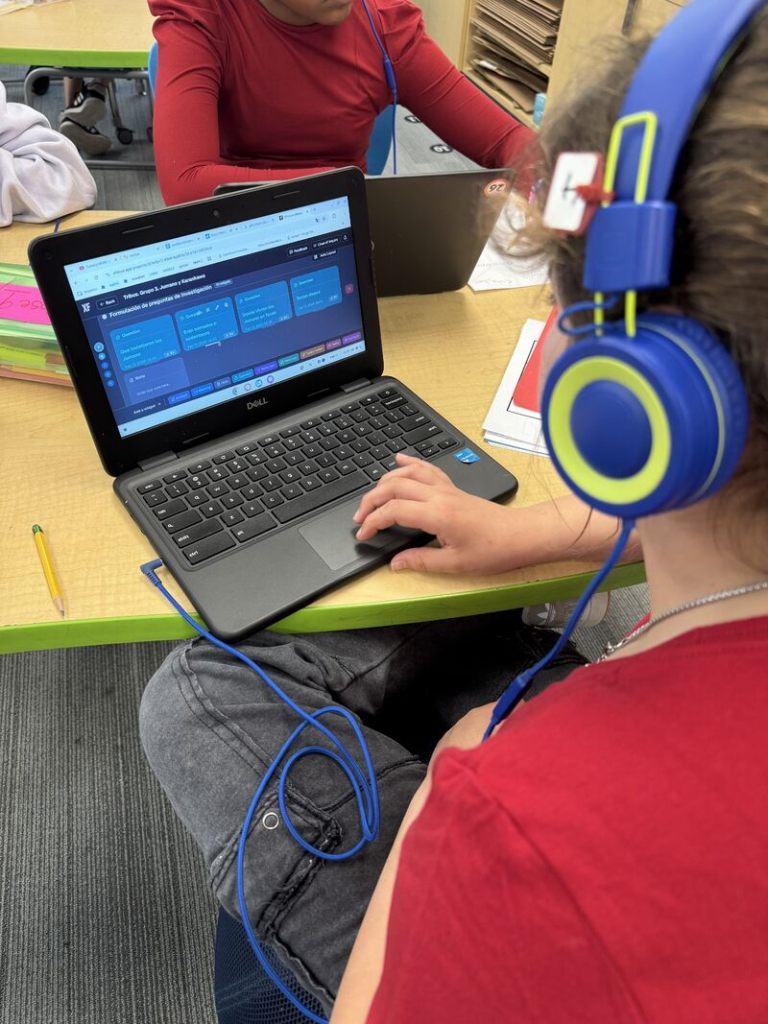
I really appreciate how XFOCUS gives students a direct way to share feedback from inside the app. In our last unit, we worked with the Canvas feature and my class sent in their reflections. It was great to see some of their comments highlighted on their latest post.
🗣️ My students wrote things like:
“I love this new layout! It is very convenient and much easier than having to go back to projects to go to something else.”
“This upgrade is organized, convenient, accessible, and easy to use.”
“I think that the new system is a big upgrade and I love how the white board is so organized and it is much more convenient and it is very cool and I think it is very visible.”
“I love the upgrade that you have made! I think it helps us organize our projects and is very useful.”
As a teacher, this is exactly how I would describe what the canvas brings to the learning process.
XFOCUS quickly became one of my students’ favourite parts of the inquiry process. For them, it is an intuitive space to:
🗺️ Organize their research process visually
🧩 Group notes, resources, meetings and reflections
🎨 Move and colour code different parts of the project
📖 See the whole story of their inquiry in one place
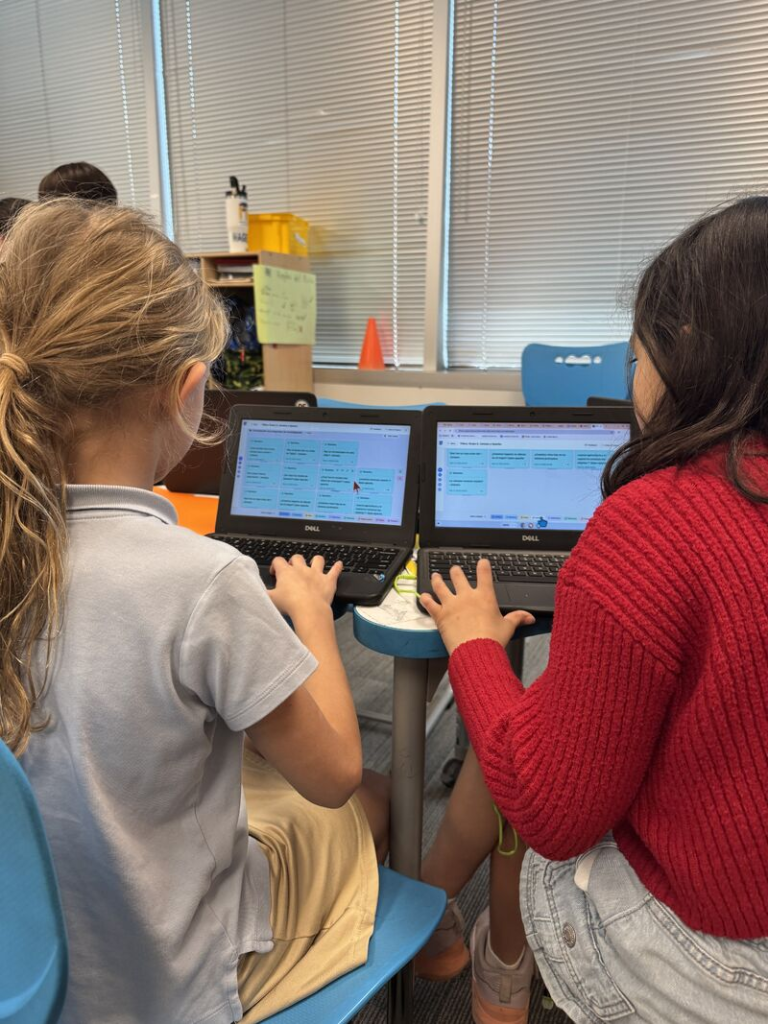
👨🏫 For teachers, having everything on a single canvas makes it easier to:
Follow the process, not just the final product
Keep student thinking and teachers feedback together
Notice which phases of the inquiry cycle need more support
🔍 Using XFOCUS with the new canvas has turned project work into something more visible, intentional and student led.
What I also love is that the app is not only a platform to support projects. It teaches along the way: research skills, the parts of the inquiry process, organizing information, and self-management.
One student captured this in a simple way:
“A mí me gusta mucho XFOCUS porque aprendo más cosas.”
“I really like XFOCUS because I learn more things.”
For me, that sentence says what we want these tools to do: not only help students present their learning, but help them learn how to inquire, organize and manage their own process.
🎧 And of course, students will always push a bit further:
“You could add little quiet music in the background to make it peaceful.”
Comments like this show that they see XFOCUS as a real workspace where they think and create, and that they trust their ideas can help improve it.
Good educators like James understand that learning and the process belong to the students, and that we need to listen to them. On top of being created by an experienced teacher, XFOCUS really feels like an app built by educators for children.
👏 Great work, James Myklebust-Hampshire. It is clear this is a tool that grows by listening to students and teachers, and that keeps agency at the center of the design.